


Courses
Build and expand your skills in LabVIEW and TestStand
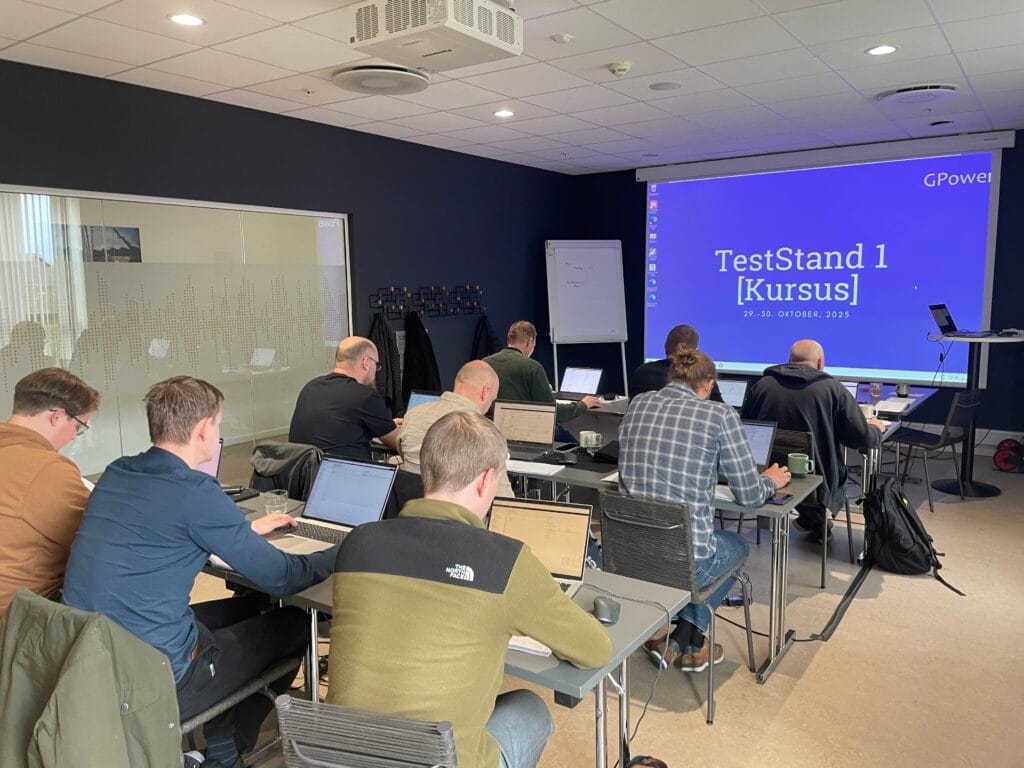
Denmark’s leading experts
GPower offers LabVIEW and TestStand courses designed for both beginners and experienced developers who want to expand their skills in software development for test and measurement systems. These courses build fundamental competencies that enable you to achieve the following NI certifications:
- Certified LabVIEW Developer (CLD)
- Certified LabVIEW Architect (CLA)
- Certified TestStand Developer (CTD)
- Certified TestStand Architect (CTA)
Value for you as a developer
- You will be able to deliver higher-quality solutions
- You will be able to deliver solutions faster
- You will become better at understanding, troubleshooting, and improving existing applications
- You will gain tools to seek out and acquire new knowledge: both independently and through your expanded professional network, with ongoing inspiration and insights
- You will gain broad insight into practical industrial applications of LabVIEW and TestStand
- You will build a solid foundation to continue developing from
Value for your company
- You get a developer who works faster, more efficiently, and delivers higher quality
- You get a developer who can handle a wider range of tasks
- You get a developer who is even better at helping and inspiring colleagues
- You get better value from your investment in NI hardware and tools
- Strong skills in LabVIEW and TestStand, as well as experience with test, measurement, and development work
- You will be connected to the strongest network in the industry through GPower
Join GPower’s courses and get...
- Training from Denmark’s leading experts in LabVIEW and TestStand
- Two exclusive course days with a maximum of 11 other participants
- A course certificate upon completion
- Full catering (morning rolls, lunch, and an afternoon snack)
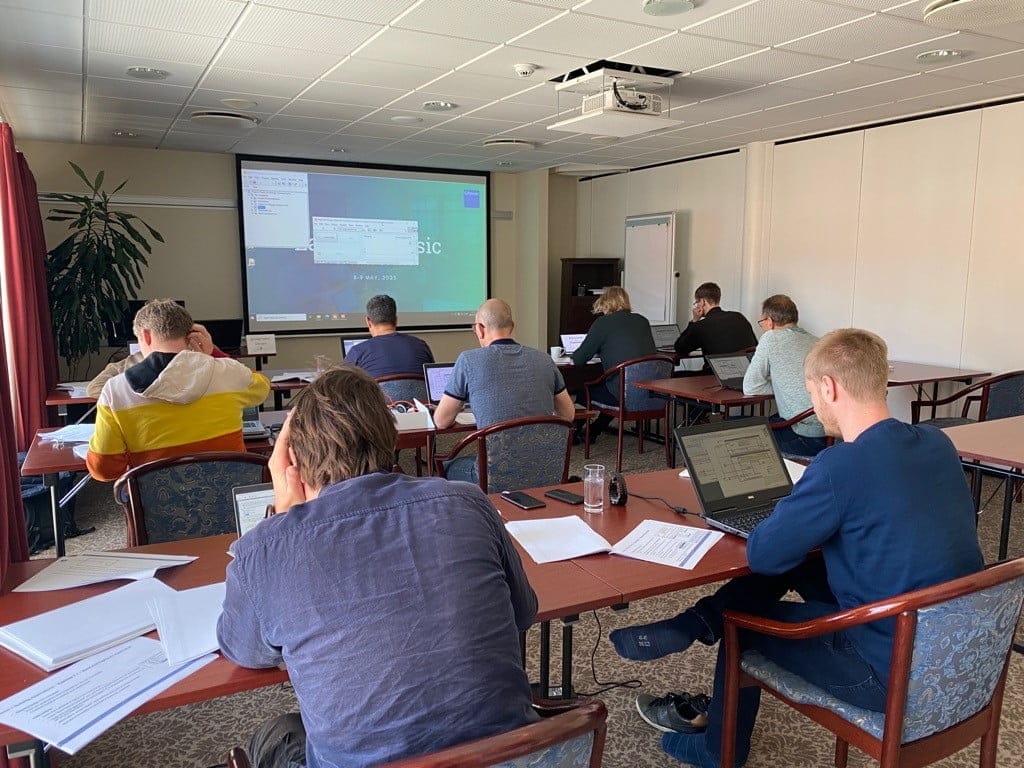

LabVIEW 1 was well planned and delivered competently. Jens Christian Andersen has extensive knowledge and is able to communicate it effectively. The topics, exercises, and their order were well chosen. Since it is a two-day beginner course, it is of course limited how much you can cover, but as someone who mainly needs to maintain existing code, I feel I have gained a foundation I can build on over time.
– Anders Henriksen, BB Electronics
Even though I have previously worked with LabVIEW, LabVIEW 1 was really good. It provided a great insight into the basic structure and how I review existing LabVIEW projects—especially when documentation is missing! After the course, it will definitely be easier for me to understand what others have done. I am looking forward to the next module!
– Daniel Tyrrestrup, EC Power
Courses at GPower
*We also offer tailored courses. Please feel free to contact us with any questions.

LabVIEW 1
Date: 7–8 October 2026
Location: Sabro Kro
The course provides a solid, practical introduction to the fundamental principles of graphical programming and prepares you to build simple, structured LabVIEW applications.
The training combines hands-on exercises and best practices with the instructor’s own tips and tricks, giving you a strong understanding of both the tool and the right way to work in LabVIEW.
LabVIEW 1
- Introduction
- Syntax and code development
- Error handling strategies
- Testing and debugging your software
- Introduction to design patterns
- Building basic applications
1.918 € excl. VAT

TestStand 1
Date: 28–29 October 2026
Location: Sabro Kro
The course provides a practical, basic introduction to TestStand. You will learn to build and troubleshoot test sequences, call external code, run tests in parallel, and much more.
Through hands-on exercises and concrete examples, you will gain insight into best practices and the most effective use of TestStand in modern test environments.
TestStand 1
- The Sequence Editor
- Sequence Files, Sequences, and Steps
- Use of Code Modules
- Sequential and Parallel Execution
- Results, Storing, and Reporting
- Custom Step Types
- Deployment
1.918 € excl. VAT
Do you need an exclusive course where you help decide the location, content, and number of participants?
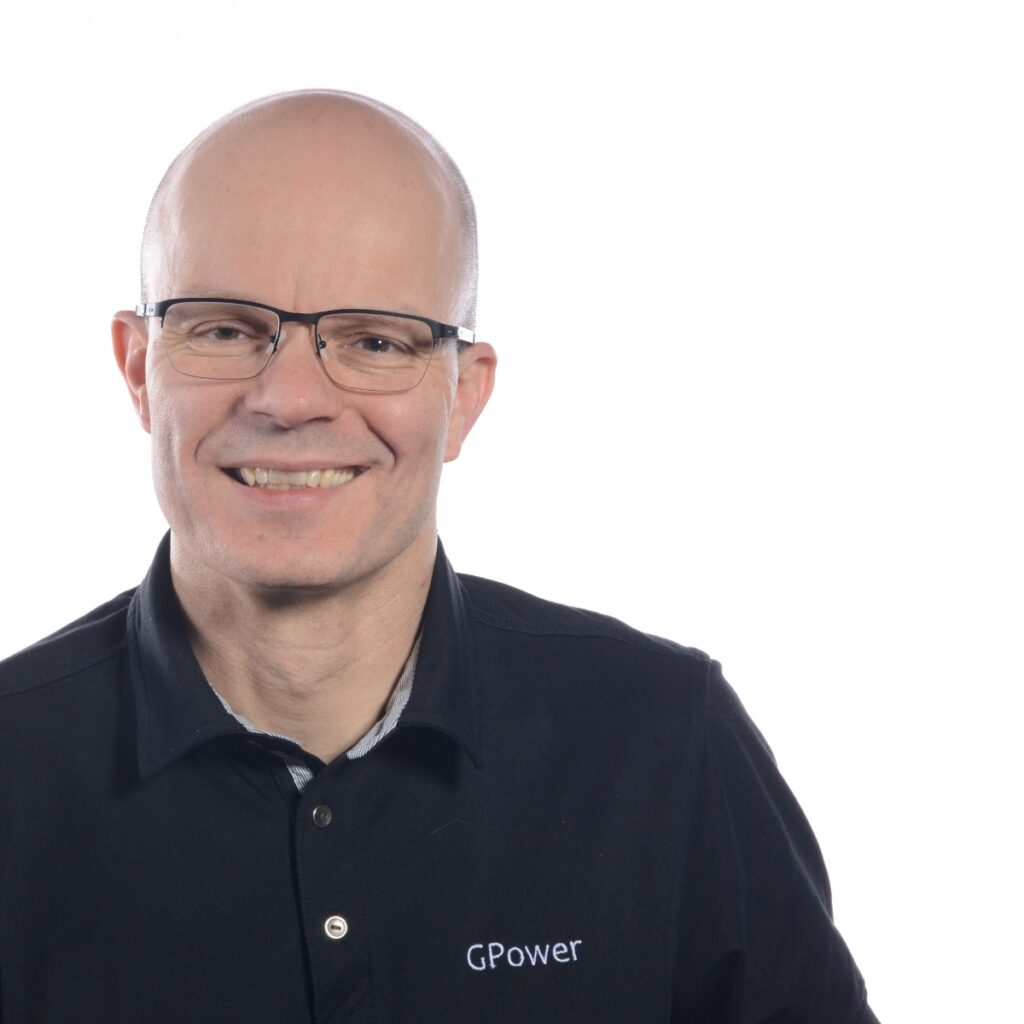
Experienced instructor with 25 years of experience as a developer and architect
“My teaching is based on more than 25 years of experience as a developer, with LabVIEW and TestStand as my primary tools,” says Jens Christian Andersen, LabVIEW and TestStand architect, LabVIEW Champion, and Certified Professional Instructor (CPI) at GPower.
“In addition to the course clearly meeting my expectations, Jens Christian is also skilled at communicating his knowledge. The course has provided a solid base of knowledge that I can now build on myself—and that makes it more realistic to get started”
– Rasmus Haahr Larsen, Terma.
My initial approach to the course was that I most likely should not expect to learn anything new, but rather refresh my basic LabVIEW skills. That said, I took away much more than I had expected, so all in all, a really good course!
– Martin Rønnov Andersen, Asetek
FAQ
What is the difference between GPower and NI courses?
At GPower, our courses differ from NI’s by having a strong focus on educating developers—not just users of the tools. The goal is that after the course, you can develop solutions that are robust, maintainable, and scalable in practice.
We prioritise a solid understanding of the fundamental principles of LabVIEW and TestStand before introducing hardware and instrument communication. This means you learn to write structured, well-thought-out code without distractions from, for example, driver issues or configuration errors. The result is a much stronger technical foundation that enables you to handle complex systems later on.
A consistent element across all our courses is a focus on good software engineering practices. We work systematically with documentation, readability, and structure, so the code you develop not only works—but can also be understood, further developed, and maintained by both you and others.
In short: NI’s courses teach you how to get started—our courses teach you how to do it right.
I am registered for a course at the end of the year. When will I receive the practical information?
Approximately two weeks before the course, you will receive an email with practical information about the course. If you are unsure about anything at all, please do not hesitate to contact us.
What is the schedule for the course days?
Schedule for day 1:
- 09:00–09:30: Welcome, morning rolls, and distribution of USB sticks.
- 09:30–12:00: Training.
- 12:00–12:30: Lunch (*Please let us know if you are allergic to certain foods. We will then adapt the lunch).
- 12:30–14:00: Training.
- 14:00–14:20: Break and afternoon snack.
- 14:20–16:30: Training.
Schedule for day 2:
- 09:00–09:30: Morning rolls.
- 09:30–12:00: Training.
- 12:00–12:30: Lunch (*Please let us know if you are allergic to certain foods. We will then adapt the lunch).
- 12:30–14:00: Training.
- 14:00–14:20: Break and afternoon snack.
- 14:20–16:00: Training.
- 16:00–16:30: Wrap-up and return of USB sticks.
Is it correct that I need to download a program to my PC before the course?
Before the course, you will receive an email regarding installation of a virtual machine to be used for the course. The practical part of the course is run on a virtual PC, which you will receive on a USB stick when the course starts. We do this to ensure you have access to a working LabVIEW and TestStand in the latest version during the course, without having to install it on your own PC.
Do I need to bring my own mouse to the course?
It is a very good idea to bring a mouse for your PC, as programming in LabVIEW and TestStand is difficult if you only have the PC’s touchpad available. So please remember your mouse.